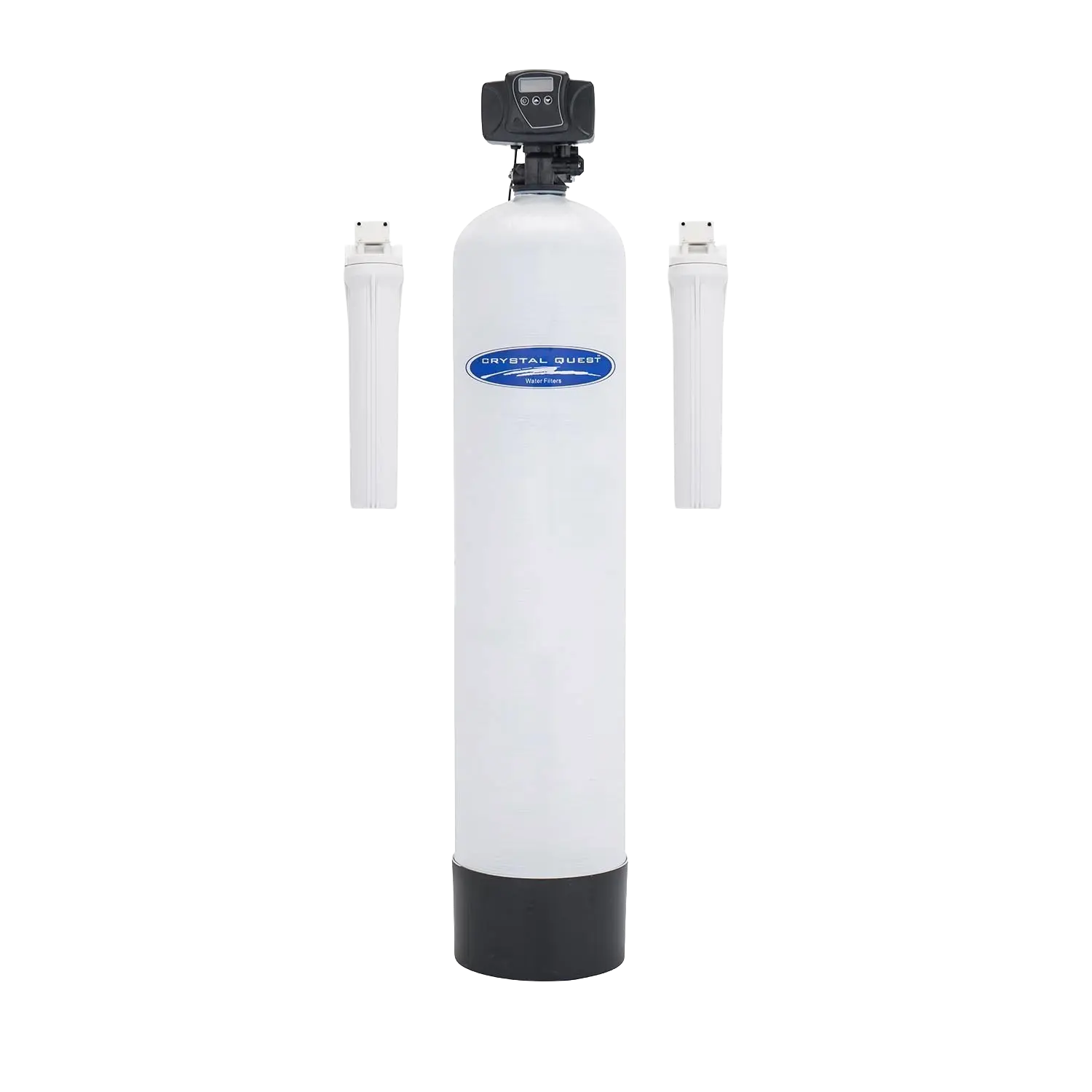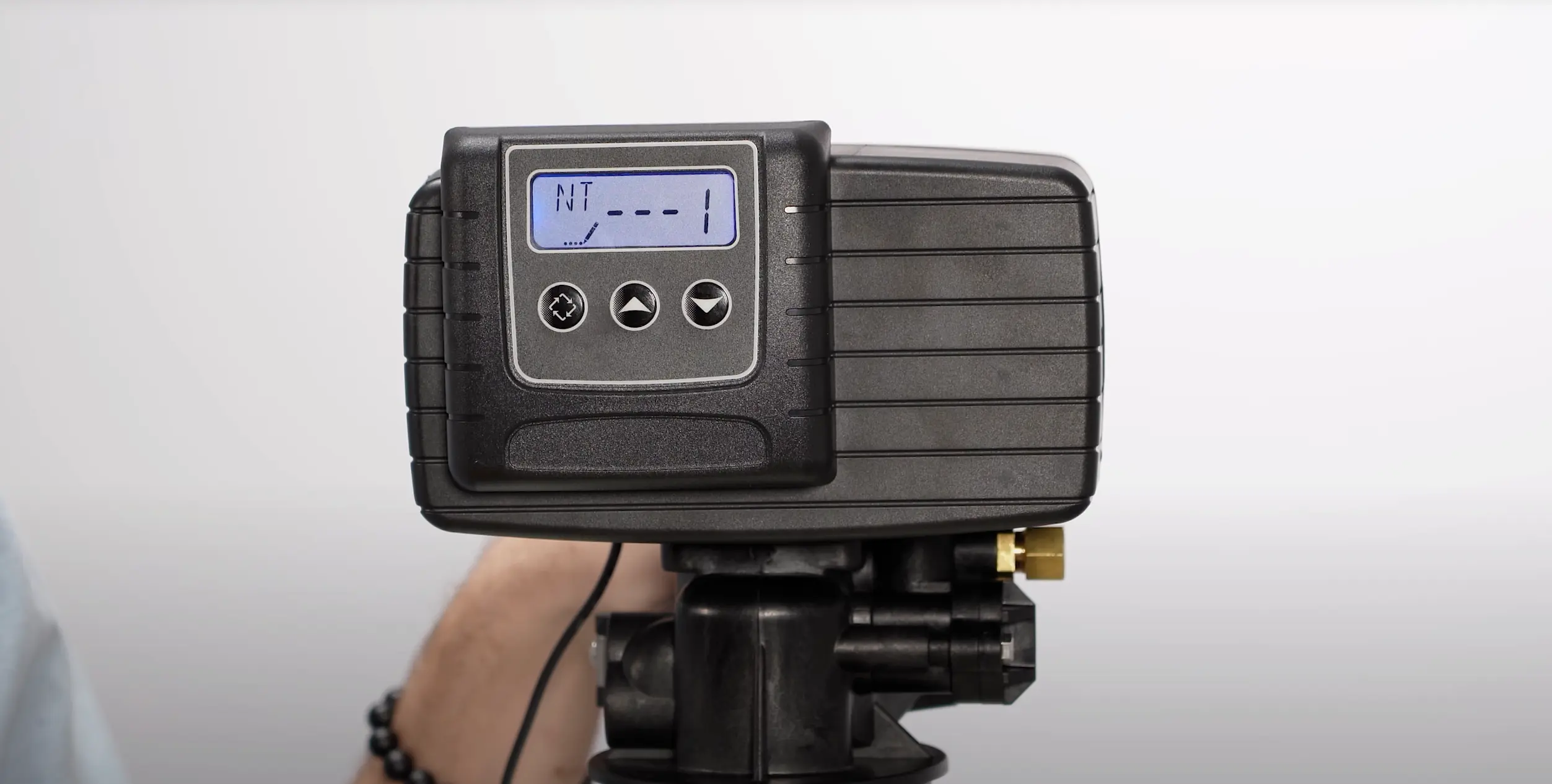
Fleck 5600SXT Programming Guide Whole House Water Filter
Programming the Vtrol control head for a whole house filter follows the same menu structure as a softener, with one critical difference: Brine Draw is set to OFF since there is no brine tank. The Vtrol control head is a Fleck 5600.
Why Filter Programming Differs from Softener
A whole house filter does not use a brine tank, there is no salt and no ion exchange process. Leaving brine draw enabled on a filter system wastes water and serves no purpose. Correct cycle settings ensure your filter backwashes properly without unnecessary steps.
Vtrol control head Control Head
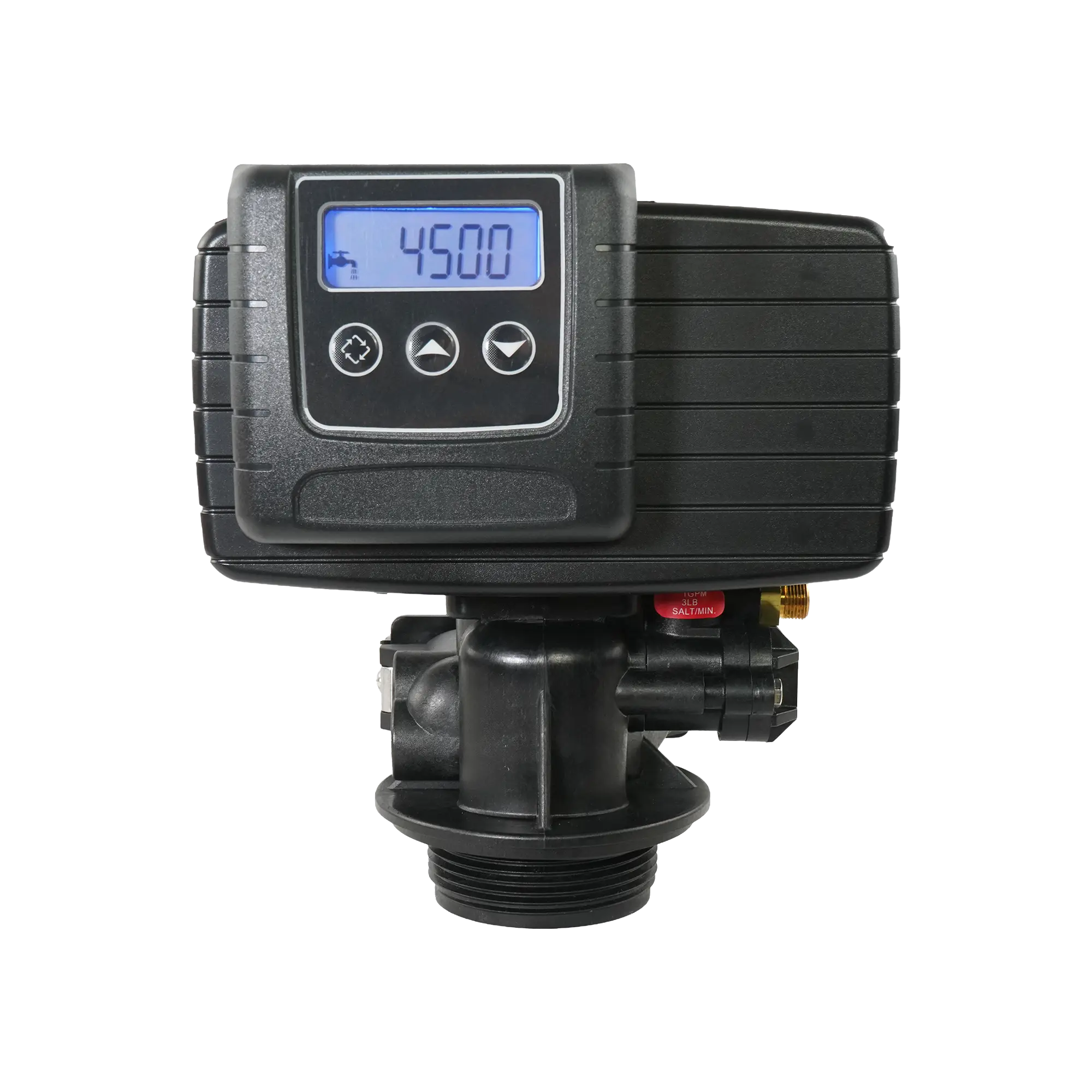
The Vtrol control head by Crystal Quest is an automatic control head used on water softeners and whole house filtration systems. The Vtrol control head is a Fleck 5600. It manages regeneration cycles via a metered or time-clock schedule, features a backlit digital display for easy programming, and supports a snap-on bypass valve for maintenance isolation. Built on a proven platform, the Vtrol control head is a reliable residential control valve backed by Crystal Quest.
Step-by-Step
Complete Walkthrough
Power Up and Hard Reset
0:20Plug in the Vtrol control head. To reset to factory defaults, unplug the unit, press and hold the regeneration button, and plug it back in while continuing to hold the button. A hard reset ensures you are starting from a clean configuration with no leftover settings.
Tip: Always perform a hard reset when setting up a new filter system, even if the control head was previously tested at the factory.
Plug In the Control Head

Connect the power supply to the Vtrol control head. The display will illuminate once power is connected.
Hold the Regenerate Button

Disconnect power, then press and hold the regenerate button on the front of the control head.
Plug In While Holding

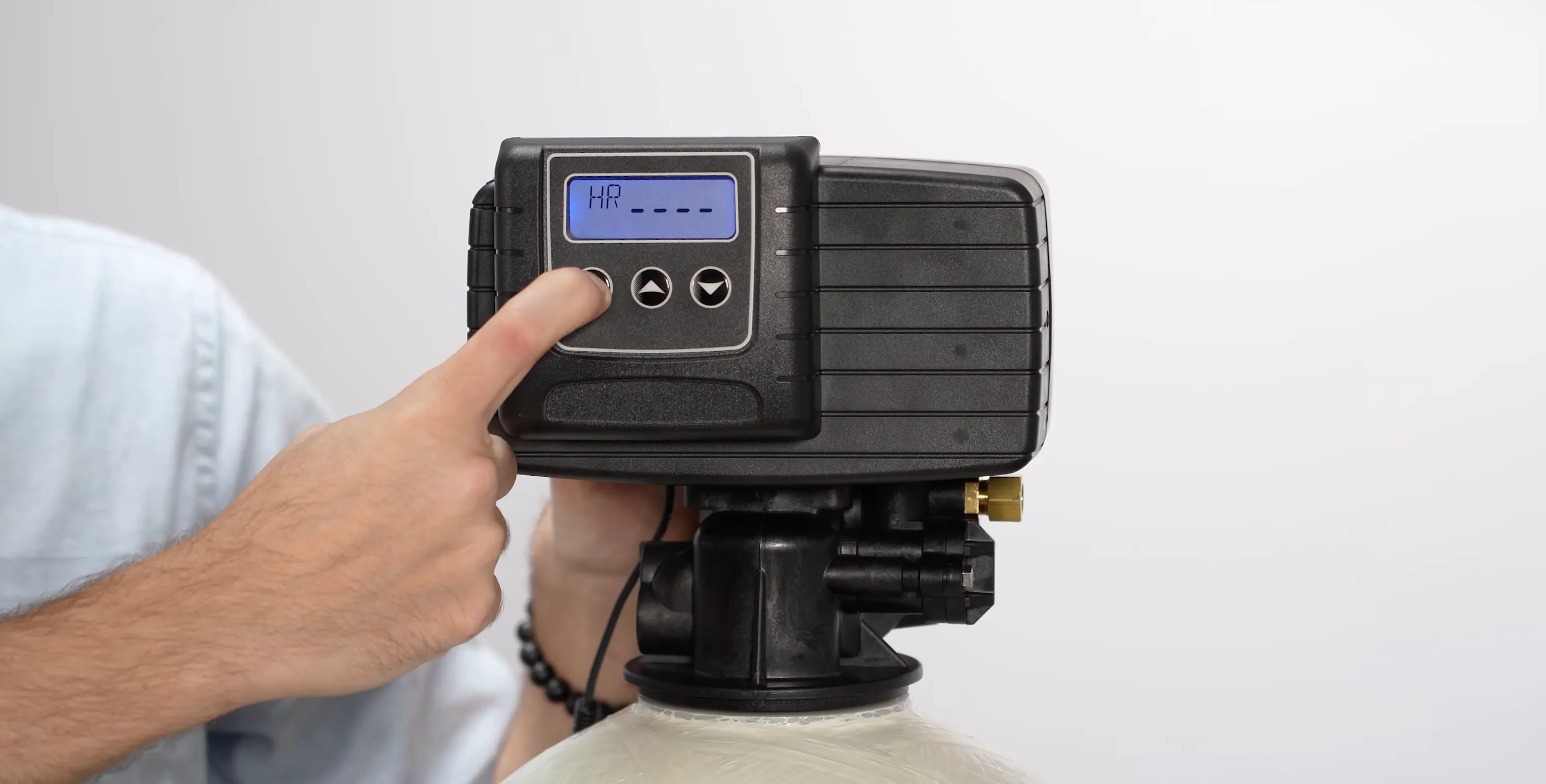
While still holding the regenerate button, plug the control head back in. You'll see "HR" appear on the top left of the display with dashes running across the middle.
Setting the Time to 12:01 PM
0:50
Set the clock to 12:01 PM as a temporary lockout measure. This prevents an accidental regeneration cycle from starting while you work through the remaining configuration settings. Hold the up or down arrow key to change the time, then tap the regenerate button to lock it in. You will set the actual time as the final step.
Entering Configuration Mode
1:20
Once at 12:01 PM, press and hold both the up and down arrow buttons simultaneously for about five seconds until the first configuration screen appears. The display will show "DF" on the top left with a pencil icon indicating you're in edit mode. Press the down arrow to advance through settings, and use up/down to change values.
Display Format and Valve Type
1:50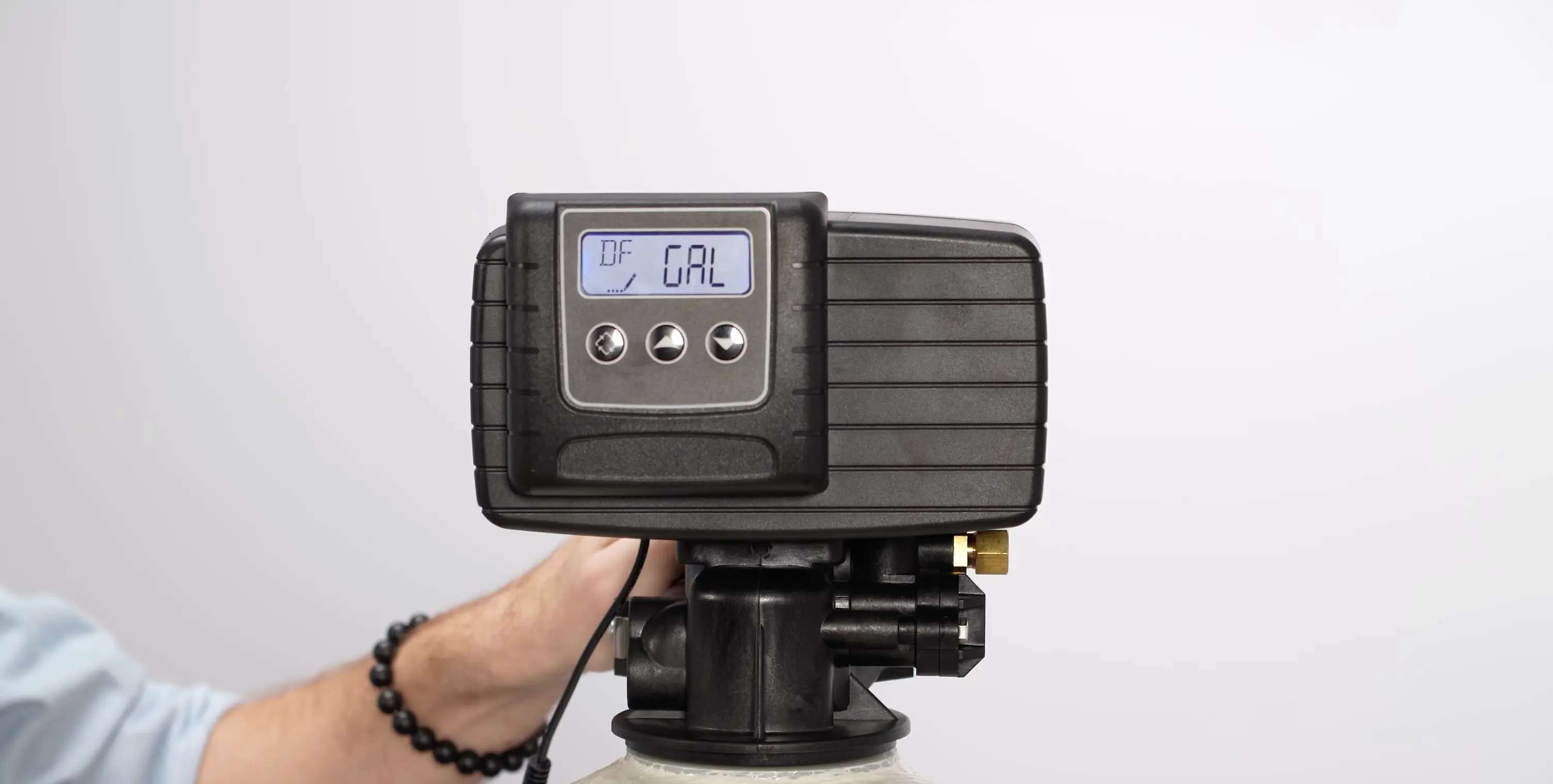
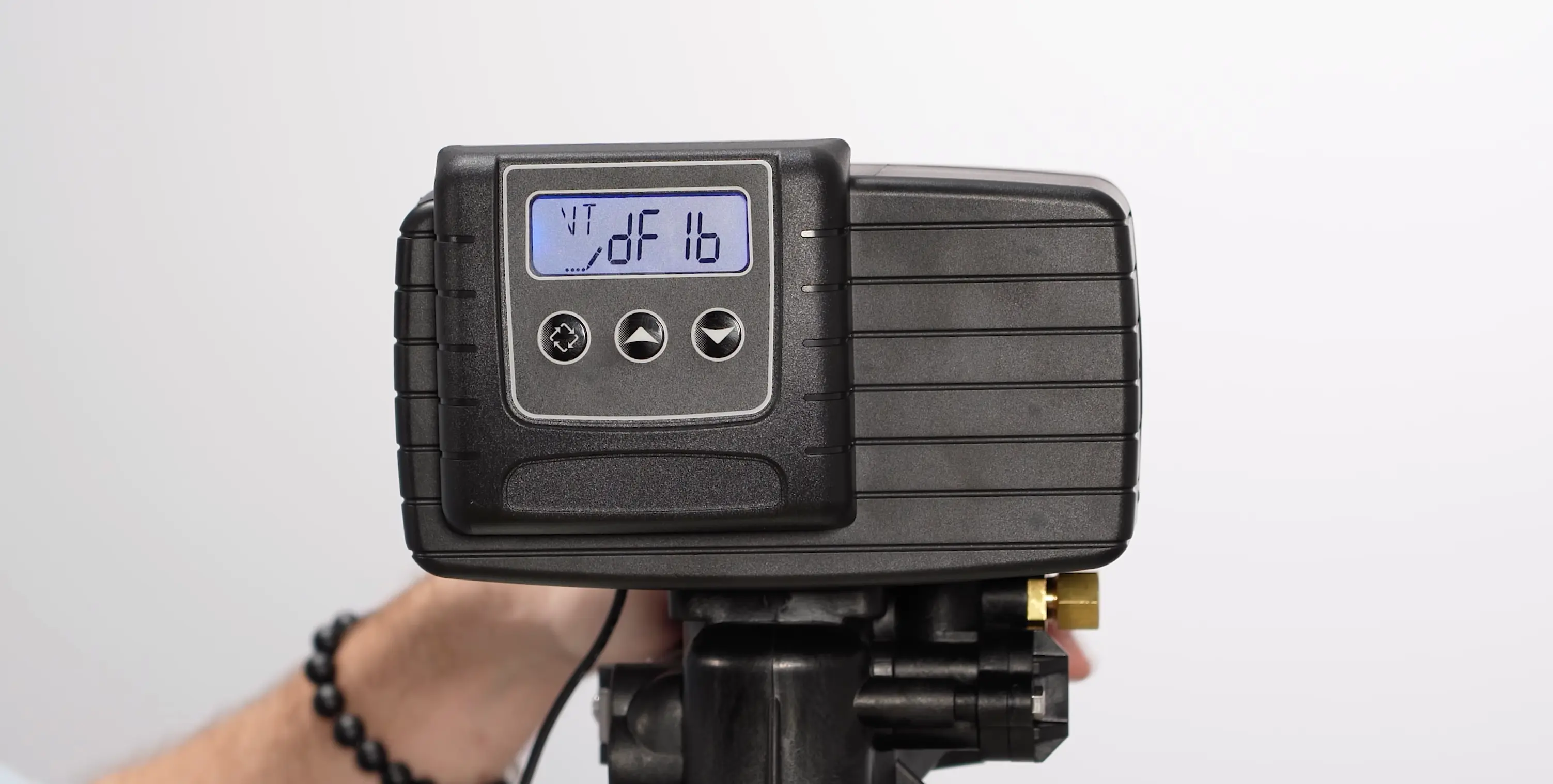
Set Display Format to GAL for gallons. For Valve Type, select DF1B (Downflow, Single Backwash), this is the standard setting for whole house filter systems. The key difference from softener programming is not the valve type itself, but that you will set Brine Draw to OFF in a later step since filter systems do not have a brine tank.
Tip: Both softener and filter systems use DF1B. The difference is that filters disable Brine Draw manually, while the FILTER valve type option disables it automatically but offers less control over individual cycle settings.
Control Type and Tank Configuration
3:00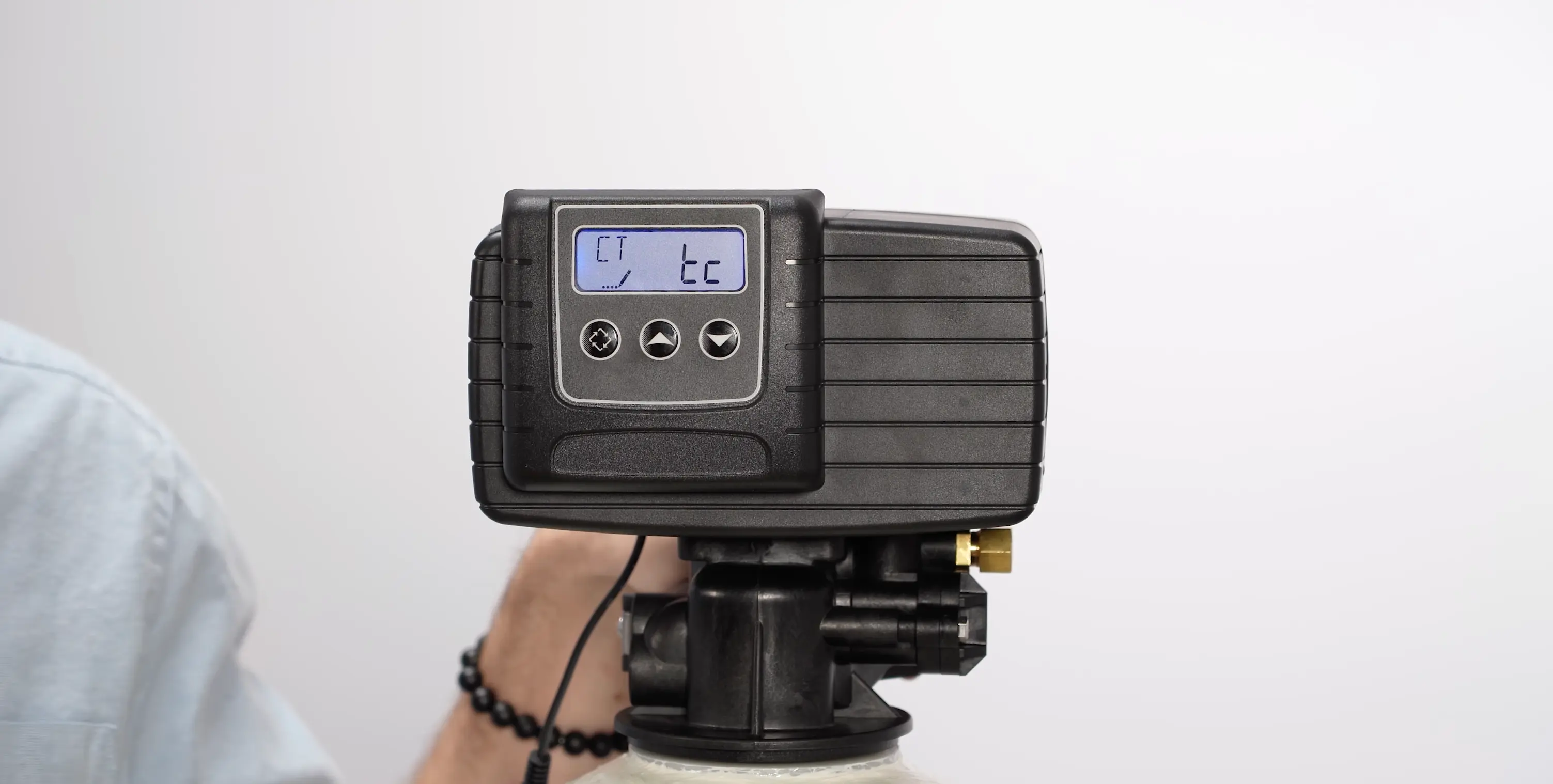
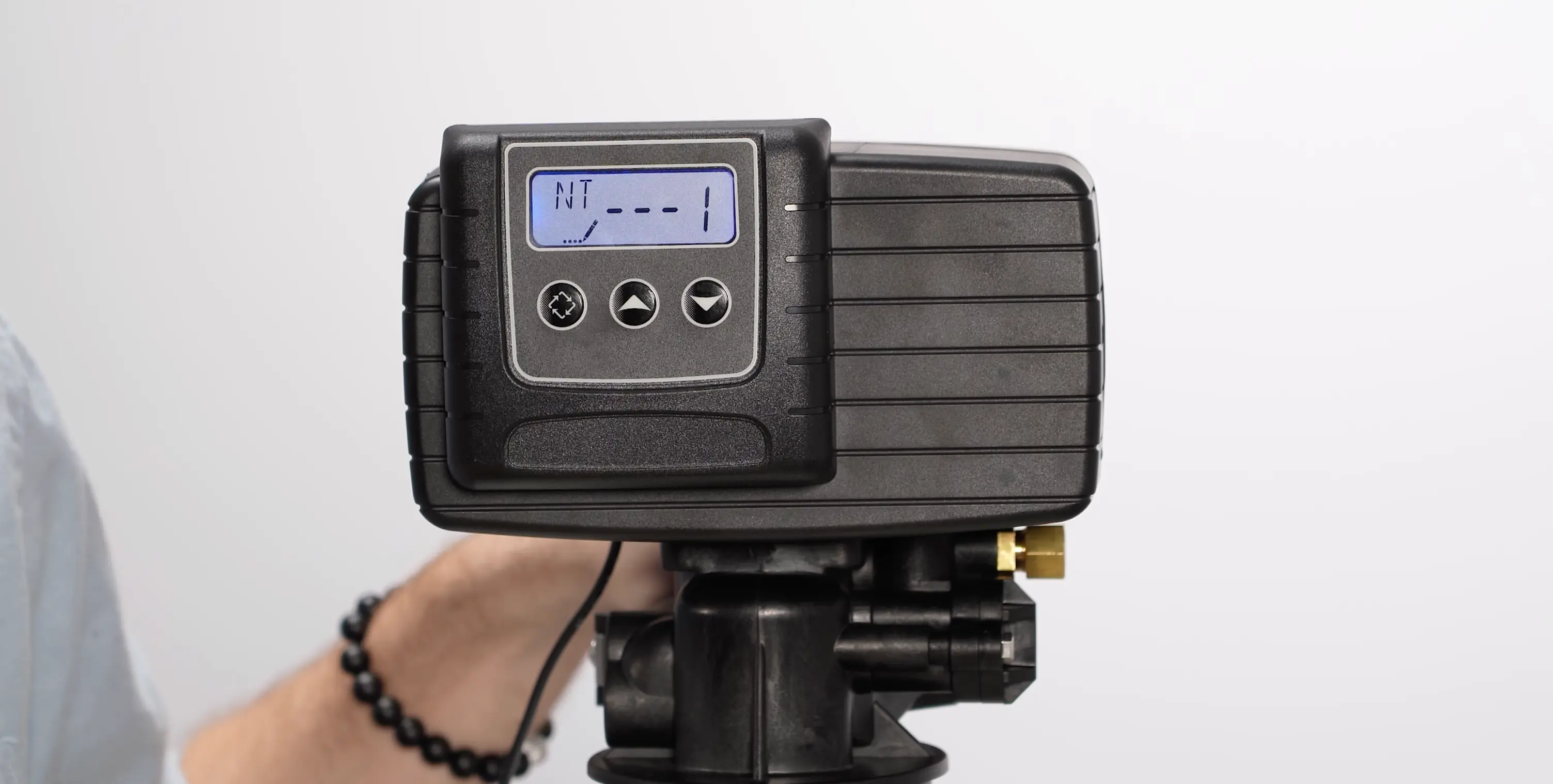
Set Control Type to TC (time clock) for scheduled regeneration. Set Number of Tanks to 1 for a single filter tank. If you have multiple filter tanks or a filter-and-softener combination, you will adjust regeneration timing offsets in the next step.
Regeneration Time and Multi-Tank Offsets
4:00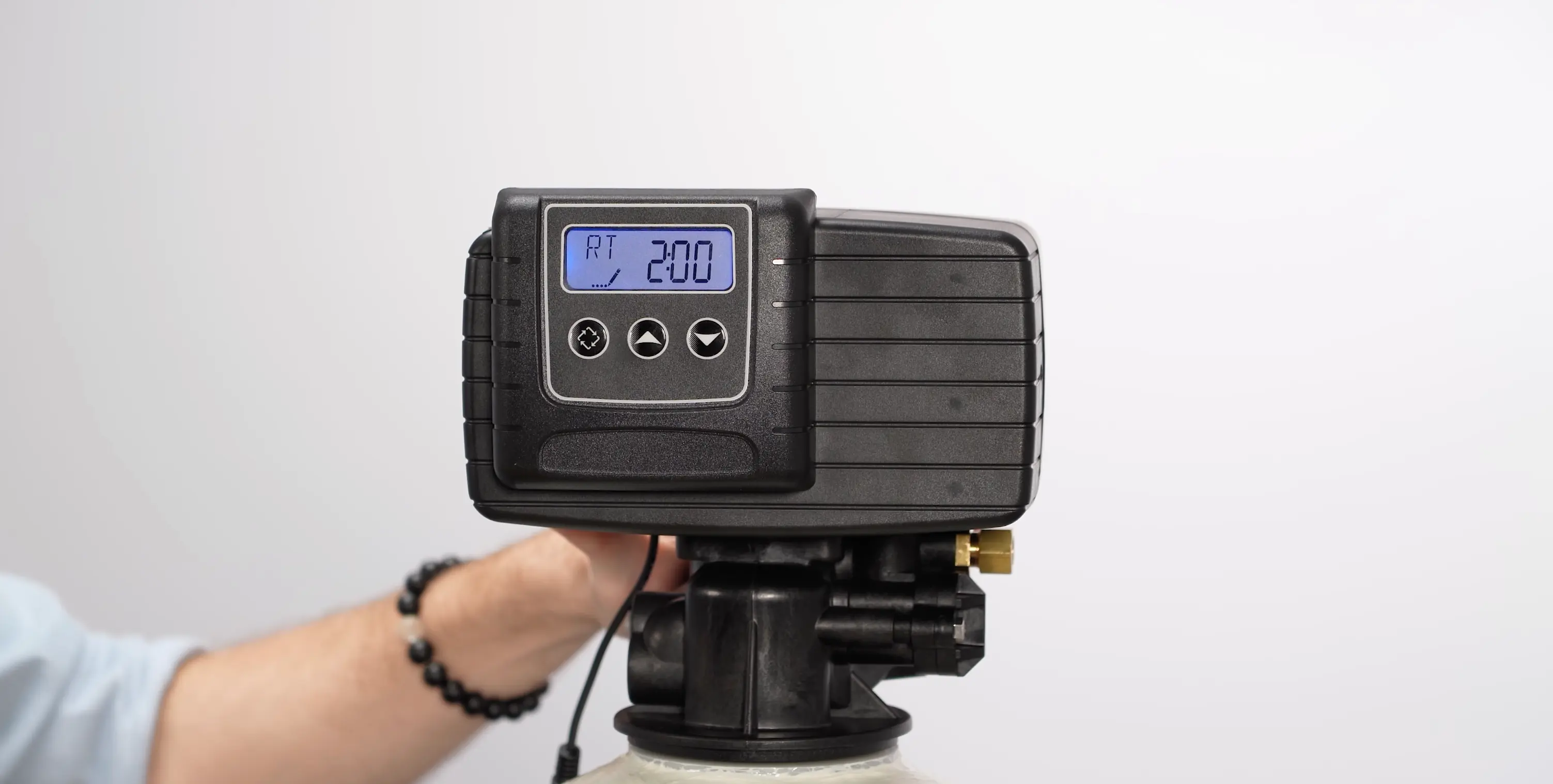
Set the Regeneration Time to 2:00 AM. If you have multiple tanks in the system, offset each additional filter tank by 30 minutes and each softener tank by 90 minutes. This staggered schedule prevents multiple units from regenerating simultaneously, which would cause pressure drops and flow competition.
Tip: Example: Filter at 2:00 AM, second filter at 2:30 AM, softener at 3:30 AM.
Backwash and Brine Draw Settings
5:30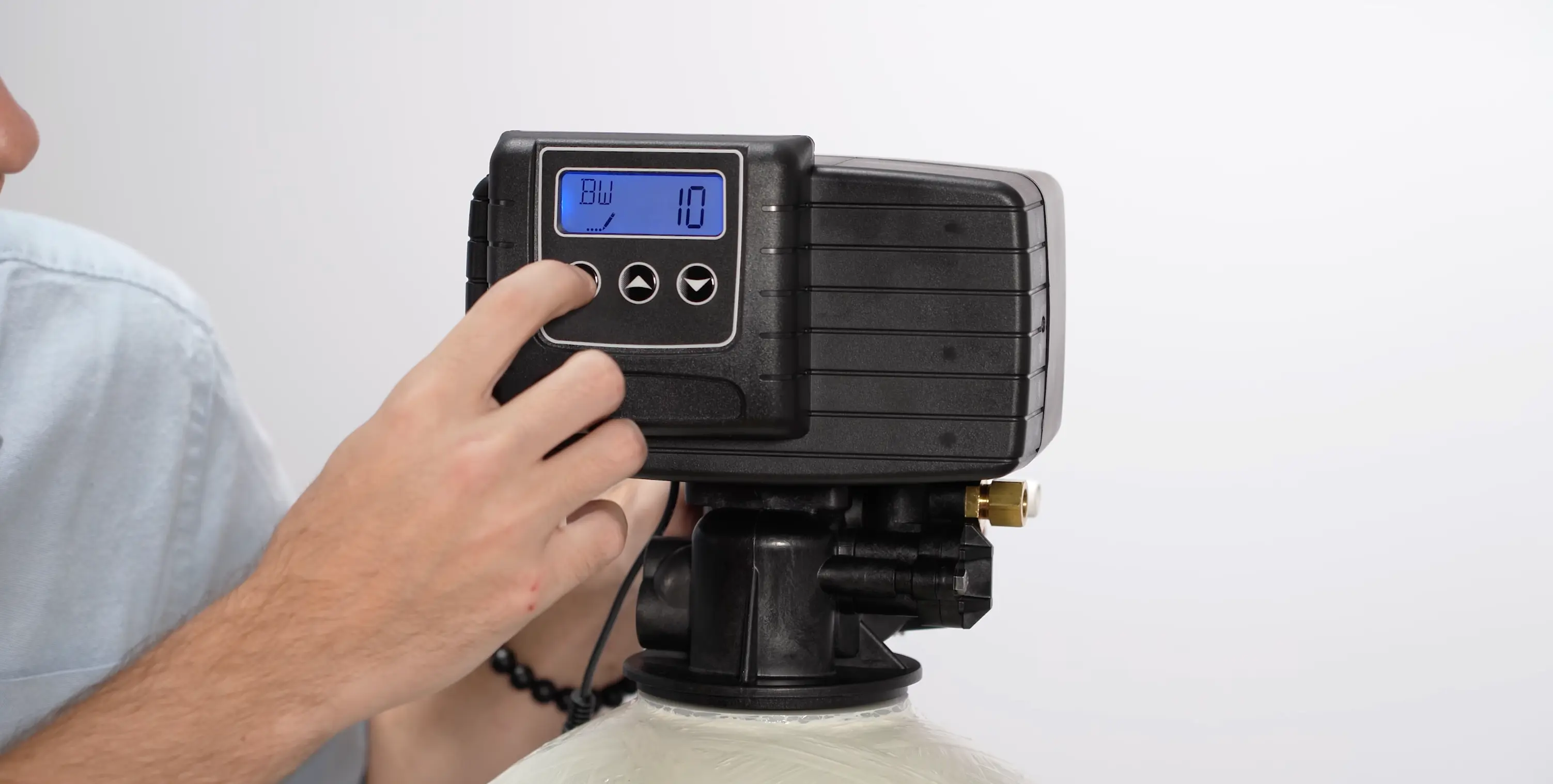
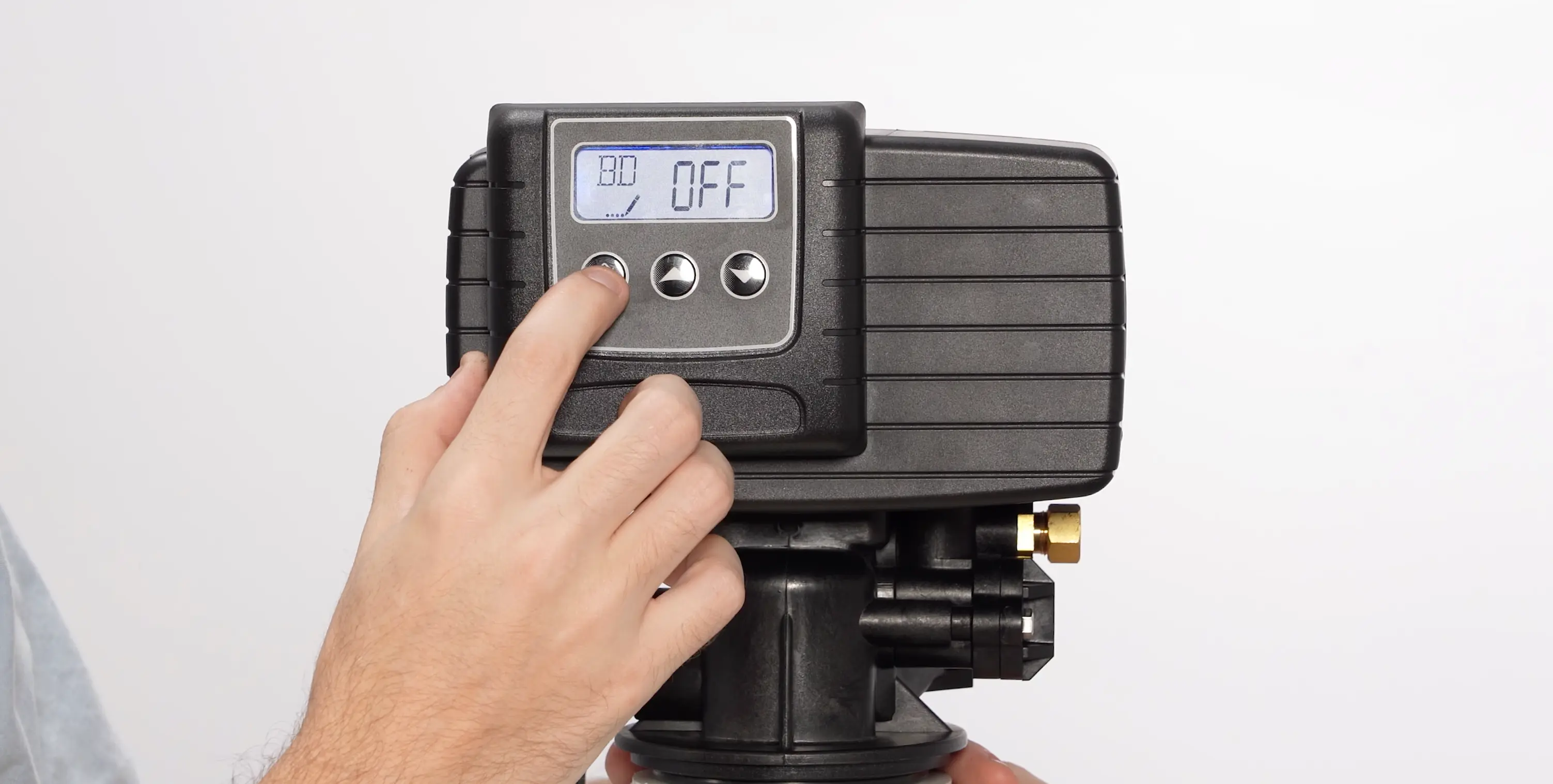
Set Backwash to 10 minutes. This reverses the water flow through the media bed, lifting and flushing out trapped sediment and debris. Then set Brine Draw to OFF. This is the second critical difference from softener programming, filter systems have no brine tank, so brine draw serves no purpose and would only waste water if left enabled.
Tip: If Brine Draw is not set to OFF, the system will attempt to draw from a brine tank that does not exist, wasting water and extending the regeneration cycle unnecessarily.
Running a Manual Regeneration
7:00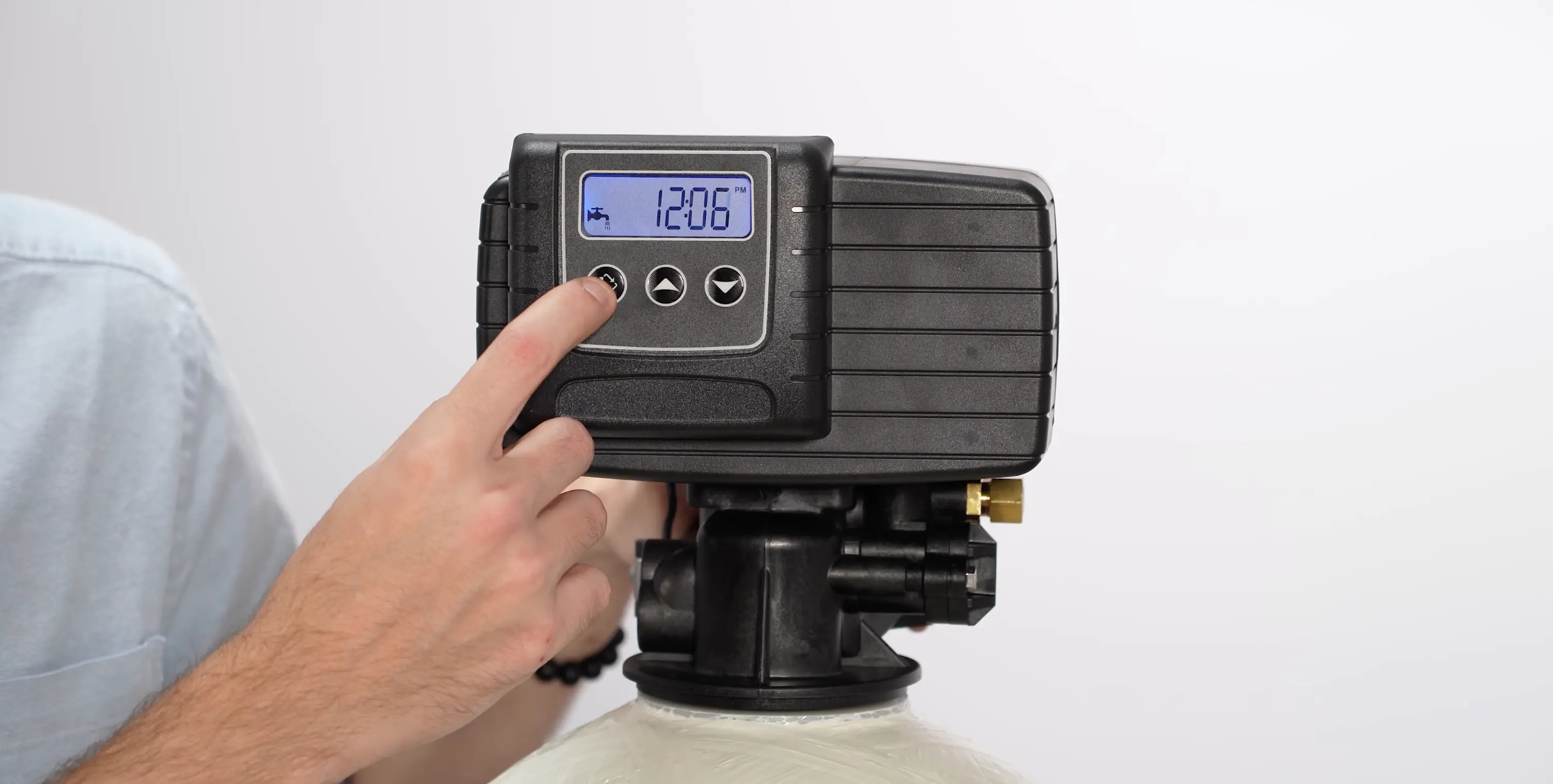
With all settings confirmed, initiate a manual regeneration by pressing and holding the regeneration button. Observe the system as it progresses through the backwash phase. Since Brine Draw is off, the cycle will be significantly shorter than a softener regeneration. Verify that water flows to the drain during backwash and stops cleanly when the cycle completes.
Setting the Correct Time
8:30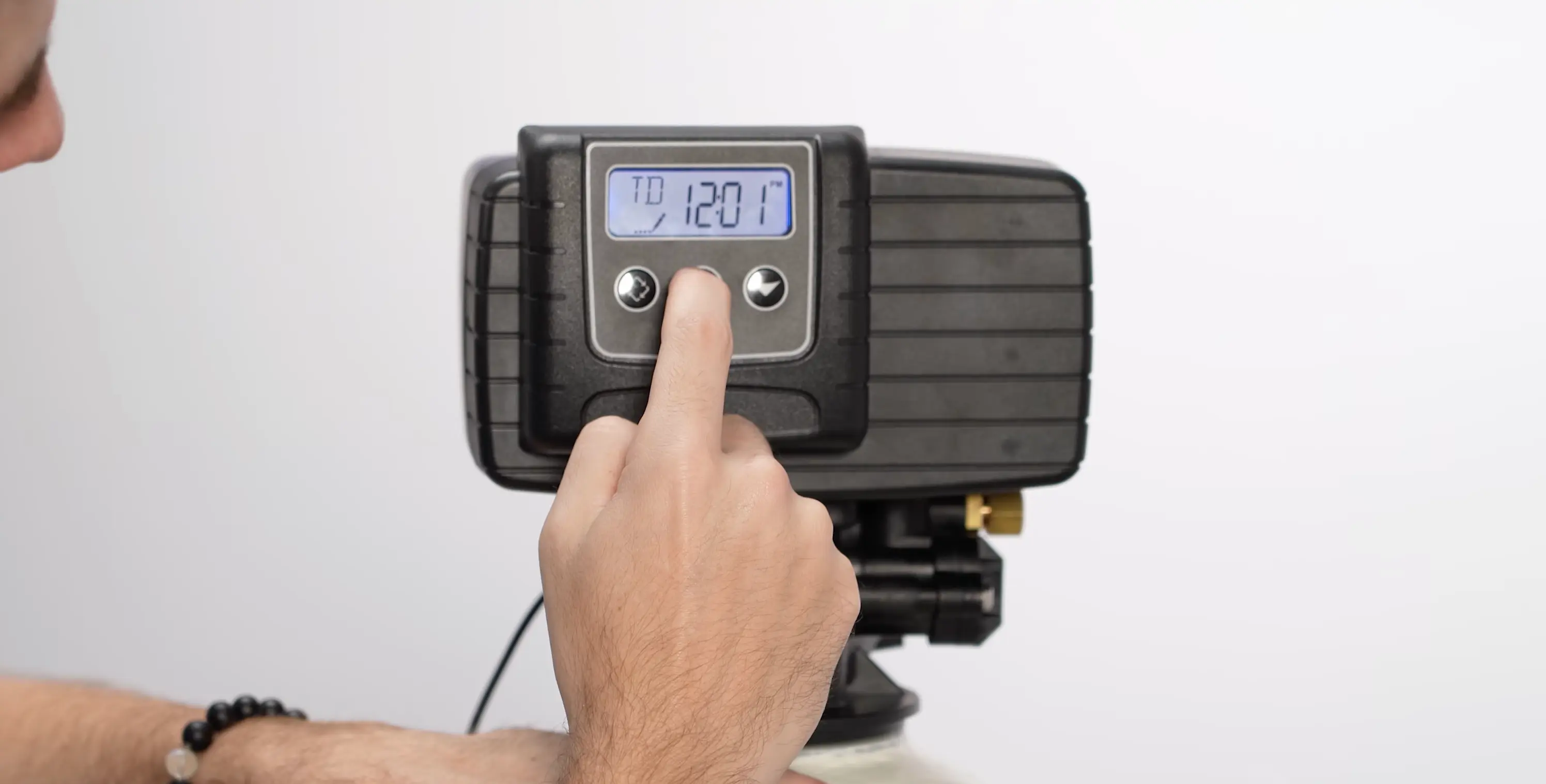
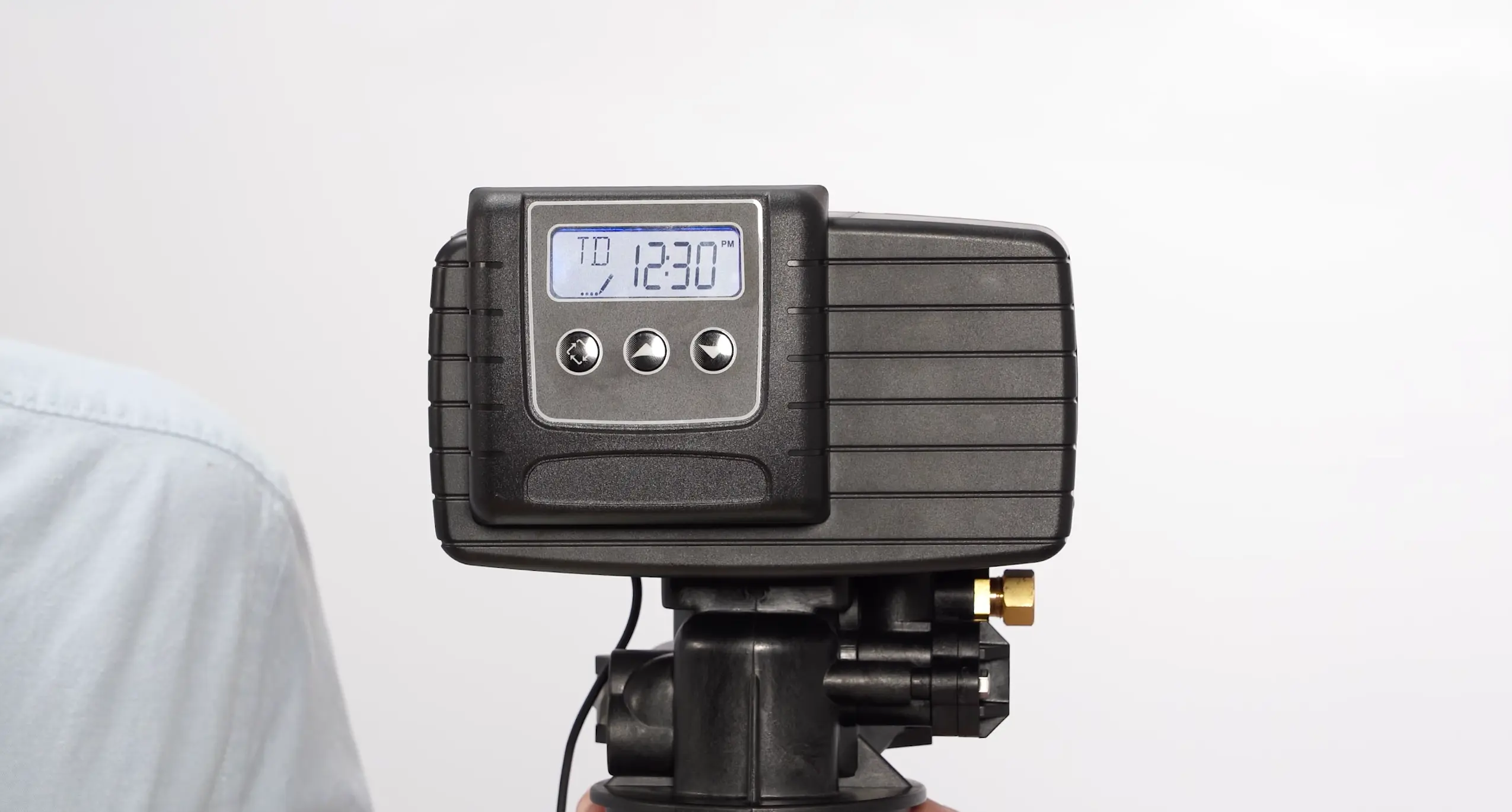
As the final step, set the clock to the actual current time. This activates your programmed regeneration schedule. Hold the up or down arrow key until the time starts flashing, adjust to the correct time, then tap the regenerate button to lock it in. The filter will now backwash automatically at the designated time.
Reference
Understanding the Settings
The Vtrol control head uses the same menu codes for both softener and filter programming. The critical difference for filter systems is that Brine Draw is set to OFF since there is no brine tank. Here is what each setting means and the recommended values for a whole house water filter.
Display Format
Sets the unit of measurement for flow and capacity tracking on the display.
Standard imperial measurement used in the United States.
Metric measurement used internationally.
Valve Type
Determines the regeneration cycle sequence. For filter systems, the key distinction is whether you want brine-related cycles enabled or disabled. Selecting FILTER automatically disables brine draw and brine fill. Selecting DF1B keeps all cycles available but lets you manually disable brine draw.
Standard downflow operation with all cycle phases available. You can manually set Brine Draw to OFF for filter systems while retaining full control over each cycle duration.
Adds an extra backwash phase. Useful for media that requires more aggressive flushing.
Normal downflow operation with brine draw and brine fill automatically disabled. A simpler option for filter-only systems, fewer settings to configure.
Designed for high-efficiency softeners and commercial systems. Not typical for residential whole house filters.
Upflow service direction with brine functions disabled. For specialized upflow filter configurations.
Fully customizable cycle programming. Only used when pre-programmed by Crystal Quest for a specific application.
Control Type
Determines how the control head decides when to trigger a regeneration cycle. For most residential filter systems, Time Clock is the simplest and most reliable option.
Regenerates on a fixed schedule. Simple and reliable, the system backwashes at the same interval regardless of water usage.
Uses a flow meter to track usage. Regenerates immediately when capacity is reached.
Tracks usage by flow meter but waits until the programmed regeneration time to backwash.
Allows you to select specific days of the week for regeneration.
Number of Tanks
Sets how many media tanks are connected. The Vtrol control head does not support twin alternating, so this should always be set to 1.
Regeneration Time
The time of day when regeneration starts. No water production occurs during backwash, so schedule it during low-usage hours. If you have multiple tanks, offset softeners by 90 minutes and filters by 30 minutes to avoid simultaneous regeneration.
Backwash
Reverses water flow to flush trapped sediment and debris from the media bed. This is the primary maintenance cycle for filter systems and keeps the media clean for consistent filtration performance.
Brine Draw
On a softener, this phase draws salt solution through the resin. On a filter system, there is no brine tank, so this setting must be turned OFF. Leaving it enabled wastes water and extends the regeneration cycle unnecessarily.