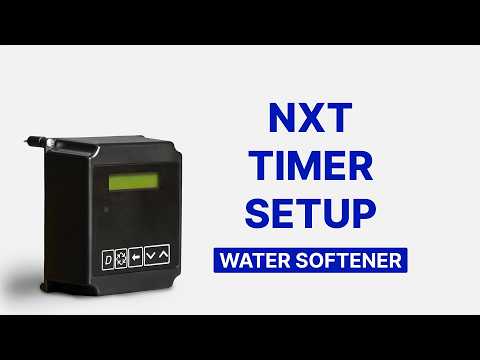
How To Program Your NXT Timer For Your Water Softener
Follow the NXT softener walkthrough from power connection through Master Programming and the regeneration cycles. The source video includes chapter links for the individual settings.
In This Video
The NXT menu includes choices for different equipment configurations. Use the video to identify each setting and confirm the values for your tank with the manual or Crystal Quest support.
Tools and Parts
- The NXT timer shown in the video
- The manual and settings for your installed tank
Step-by-Step
Complete Walkthrough
Connect Power and Review the Buttons
0:26Follow the video's power connection and button overview for the NXT timer shown.
Enter Master Programming
2:27The video introduces the diagnostic button and shows entry into Master Programming Mode.
Select System and Regeneration Type
3:10The walkthrough covers system type, time clock and meter regeneration choices, and control head size. Match these choices to the installed equipment.
Confirm Flow Direction and Display Format
5:03The video covers downflow or upflow regeneration, remote signal start, and gallons or metric display format.
Set Regeneration Timing
6:05The walkthrough covers day override and regeneration time before moving into individual cycle settings.
Review the Softener Cycles
6:45Backwash, brine draw, rapid rinse, and brine tank fill are shown separately. Confirm tank-specific cycle times using the manual or Crystal Quest support.
Finish and Set the Time of Day
8:14The closing setup covers the pause cycle and auxiliary relay, followed by the current time of day.
Frequently Asked Questions
Can I copy every setting into another system?
The video says to confirm tank-specific settings, valve size, and cycle times with the manual or Crystal Quest support.
Which softener cycles are covered?
The tutorial covers backwash, brine draw, rapid rinse, brine tank fill, and the pause and auxiliary relay settings.