How To Program Your Analog Timer For Your Water Softener
Analog timers are simple and reliable, but only if they are set up properly. This step-by-step guide covers programming the analog timer on a Crystal Quest control head for a water softener: setting the regeneration cycles, adjusting timing, and dialing in frequency so your system runs efficiently without guesswork.
Why Proper Setup Matters
On a water softener, the analog timer controls the regeneration cycle that keeps the resin working. If the cycle lengths, backwash time, or frequency are set wrong, the softener can regenerate at the wrong time or run inefficiently. The settings are manual. Review them against the requirements of the installed softener.
Tools and Parts
- The analog timer on your water softener
- Your softener manual and tank-specific settings
Step-by-Step
Complete Walkthrough
Power Down and Open the Timer
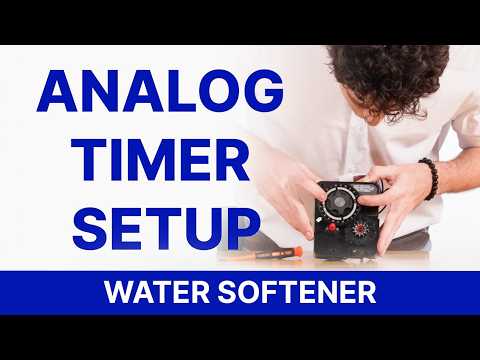
Disconnect power before opening the analog timer. The companion analog filter walkthrough shows the shared hinged timer layout; use the manual for the control head fitted to your softener.
Identify the Program Wheel
Locate the program wheel that controls cycle lengths. Review the softener regeneration sequence before changing the wheel; softener settings must include the brine-related stages appropriate to that system.
Review Regeneration Cycle Lengths
Use the softener guide and the settings for your installed tank to review each cycle. The companion filter video demonstrates the pin-set controls, but its filter cycle values are not a softener preset.
Set the Regeneration Time
Use the timer controls shown in the video to select the regeneration time. Keep the time of regeneration distinct from the current time displayed on the control head.
Review Regeneration Frequency
Set the regeneration frequency for the softener application. The timer is set manually, so review the selected interval with the guidance for your system and water use.
Set the Current Time and Finish
Confirm the current time and the completed settings, close the control head, and restore power according to the system instructions.
Frequently Asked Questions
Can I copy the filter timer settings into my softener?
Use the settings for your softener. The companion filter video helps identify the shared analog controls, but the regeneration cycles differ by application.